
This is the previous tools in Updated Blogger New Post Editor

From left to right:
Undo, Redo, Font, Font size, Bold, Italic, Strikethrough, Text color, Text background color, Add or remove link, Insert image, Align left, Align center, Align right, Justify, Numbered list, Bullet list, Quote, Remove formatting, and Insert jump break.
This is the new set of tools in Updated Blogger New Post Editor

From left to right:
Undo, Redo, Font, Font size, Bold, Italic, Strikethrough, Text color, Text background color, Add or remove link, Insert image, Insert a video, Align left, Align center, Align right, Justify, Numbered list, Bullet list, Quote, Remove formatting, Insert jump break, and Define/translate.
Insert a video:
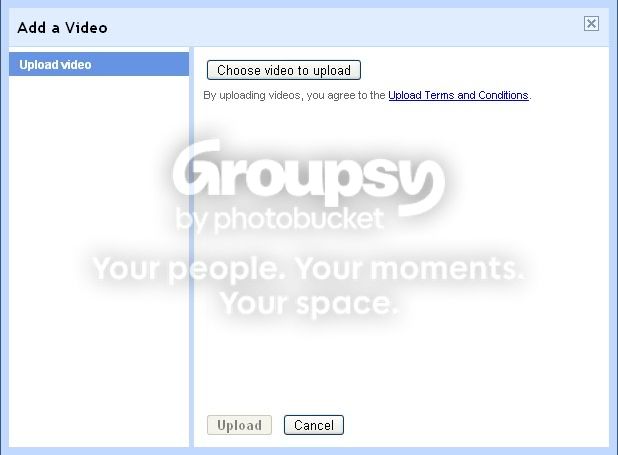
It's not really new since the Old Blogger New Post Editor has this tool but it's not included in the Updated Blogger New Post Editor until now :)
Define/translate
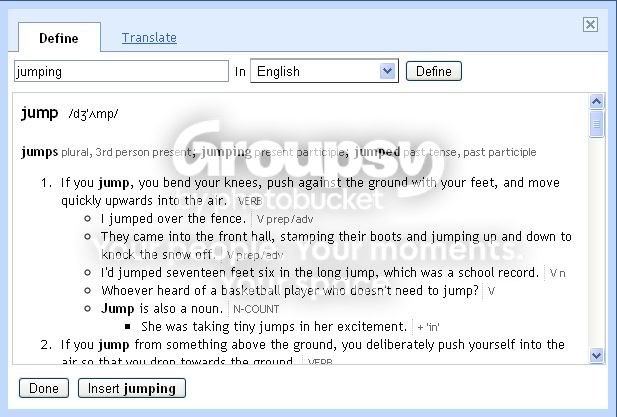
Cool, so there is a dictionary now! No need for multiple tabs for this anymore lol!
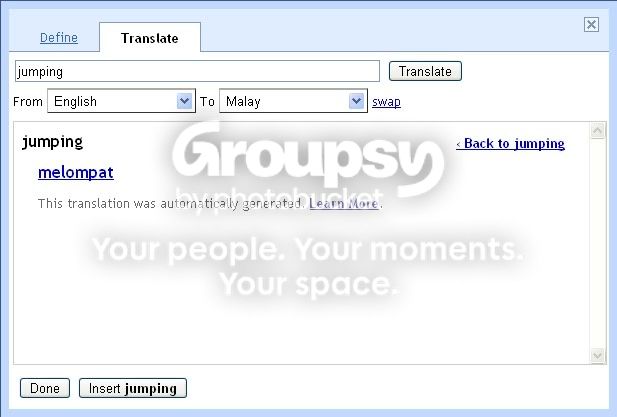
But then when I try to insert image in my post, I noticed there's something different with the interface too :)
Insert image:
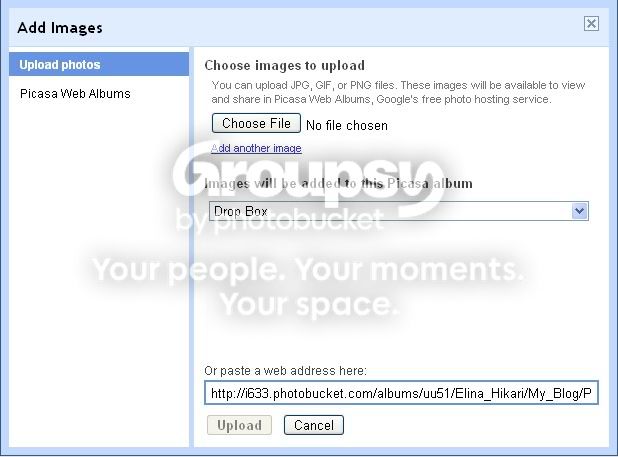
Kinda buggy though. I can only put the web address once. Then if I want to put another image through web address again, the Upload button just won't come up.
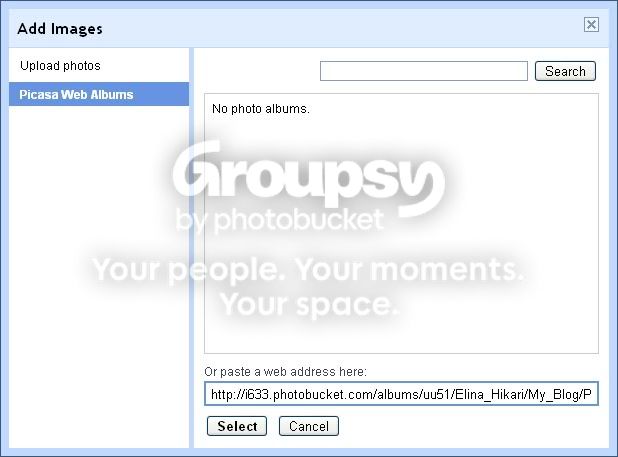
But that's alright because I can do that in Picasa Web Album instead. The Select button is always there, lol :D
I wonder if these changes aren't new but I just noticed it today? Lol, typical me then....
I'm kinda baffled though..... Blogger has these all awesome, great tools not founded anywhere else (yet) but there is still no tool to add table without using HTML?


